
43 lines
1.4 KiB
Markdown
43 lines
1.4 KiB
Markdown
# RustDesk API
|
||
|
||
RustDesk 是一款远程访问和远程控制软件
|
||
|
||
|
||
|
||

|
||
|
||
## 简介
|
||
|
||
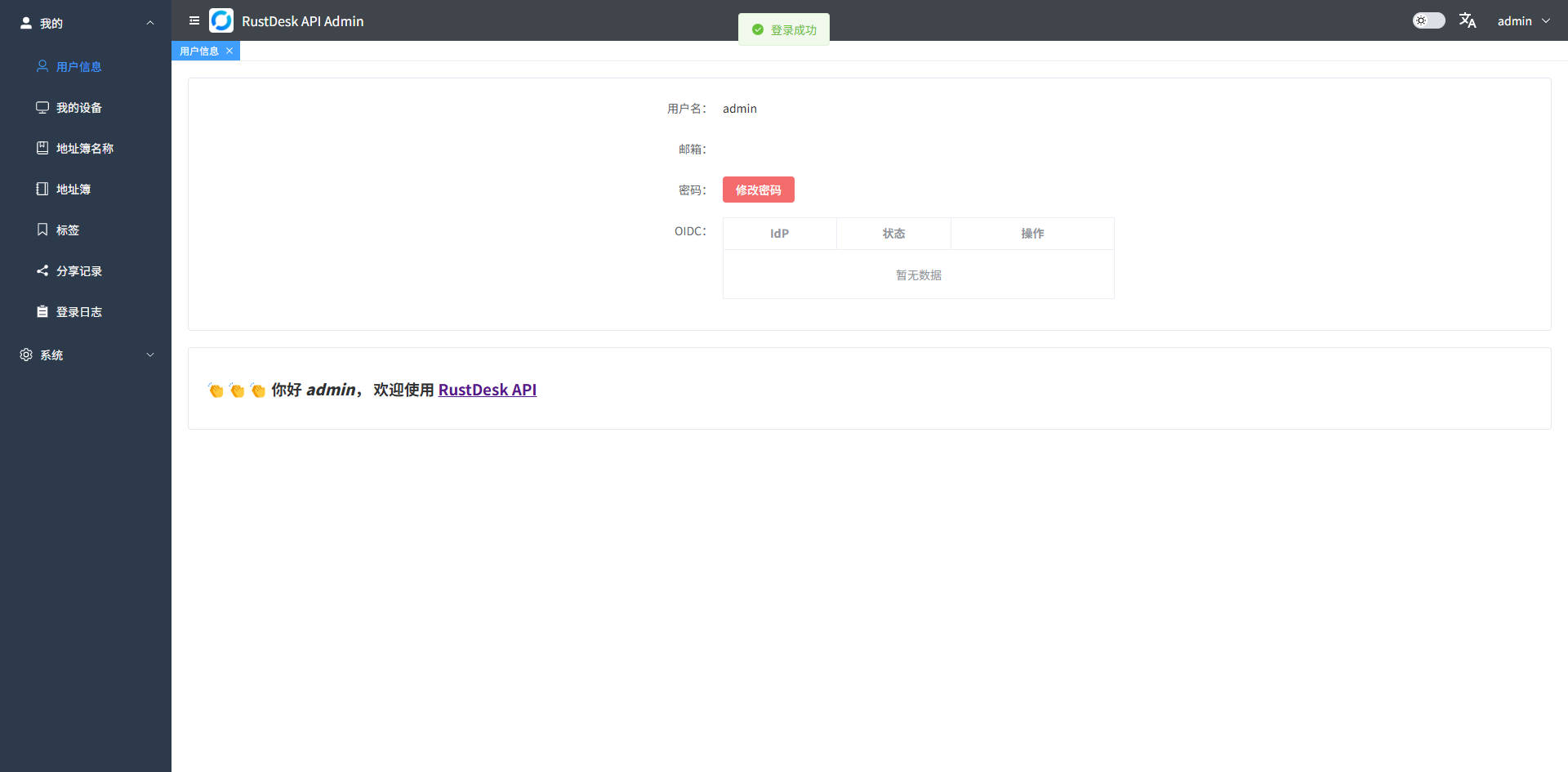
本项目使用 Go 实现了 RustDesk 的 API,并包含了 Web Admin 和 Web 客户端。RustDesk 是一个远程桌面软件,提供了自托管的解决方案。
|
||
|
||
## 安装说明
|
||
|
||
> 默认用户名:`admin`
|
||
>
|
||
> 默认密码:`请前往日志查看`
|
||
>
|
||
> 请及时修改密码
|
||
|
||
### 端口
|
||
|
||
> 如果您使用云服务器,请注意云防火墙将必要端口打开
|
||
|
||
RustDesk 服务器自托管所需的端口很大程度上取决于您的环境以及您希望使用 RustDesk 做什么。
|
||
|
||
核心端口:
|
||
|
||
| 类型 | 范围 |
|
||
|-----|-------------|
|
||
| TCP | 21114-21119 |
|
||
| UDP | 21116 |
|
||
|
||
其中 21115-21117 是 RustDesk 工作所需的最低端口,它们处理信号和中继端口以及 NAT 遍历。
|
||
|
||
TCP 端口 21118 和 21119 是 RustDesk Web 客户端的 WebSocket 端口,您需要一个反向代理才能使其支持 HTTPS。
|
||
|
||
对于没有 SSL 代理的专业用户,您需要打开 TCP 端口 21114 才能使 API 工作,或者使用 SSL 代理打开 TCP 端口 443 。
|
||
|
||
---
|
||
|
||

|